
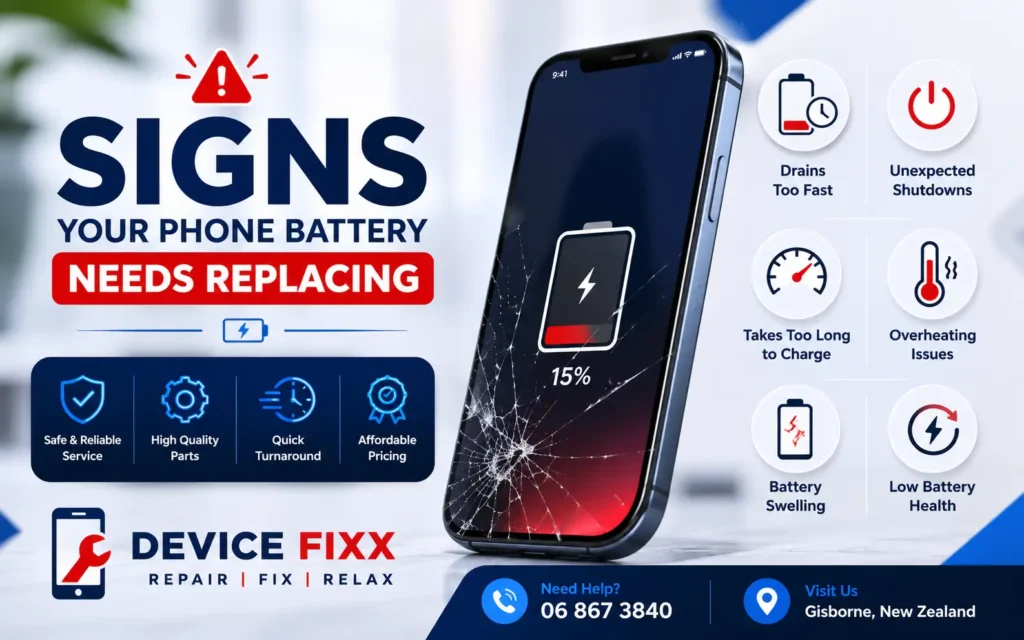
Don’t Let a Weak Battery Slow You Down
A smartphone battery naturally loses its ability to hold a charge over time. Most phone batteries are designed to last between 2 to 3 years or around 500 to 800 charging cycles. As the battery ages, you may notice reduced performance, frequent charging, or unexpected shutdowns.
Ignoring these warning signs can lead to poor performance, overheating, and even permanent damage to your device. In this guide, we’ll explain the most common signs that your phone battery needs replacing and why replacing it at the right time can extend the life of your smartphone.
Why Phone Batteries Wear Out
Modern smartphones use Lithium-ion (Li-ion) batteries. Every time you charge and discharge your phone, the battery loses a small amount of its original capacity.
Factors that speed up battery wear include:
- Frequent fast charging
- High temperatures
- Heavy gaming
- Charging overnight every day
- Using low-quality chargers
- Keeping the battery at 0% or 100% for long periods
Replacing a worn battery can restore your phone’s performance without the expense of buying a new device.
1. Battery Drains Quickly
One of the most common signs of a failing battery is rapid battery drain.
If your phone used to last all day but now requires charging multiple times, the battery’s capacity has likely decreased.
Common symptoms include:
- Battery drops from 100% to 50% within a few hours
- Phone dies before the day ends
- Constant need for a power bank
- Short battery life even with light use
2. Phone Shuts Down Unexpectedly
Does your phone suddenly switch off even though it still shows 20% or 30% battery?
Unexpected shutdowns usually indicate the battery can no longer provide stable power.
This issue becomes more common as the battery ages.
3. Battery Percentage Jumps Up or Down
A healthy battery should discharge gradually.
If you notice:
- Battery drops from 60% to 20% instantly
- Percentage jumps after restarting
- Battery indicator is inaccurate
your battery may be nearing the end of its lifespan.
4. Phone Takes Too Long to Charge
A damaged battery often charges much slower than normal.
Possible signs include:
- Charging takes several hours
- Battery gets stuck at certain percentages
- Slow charging despite using a fast charger
Sometimes the issue is the charging port, but an aging battery is also a common cause.
5. Phone Gets Hot During Normal Use
Some warmth during charging is normal.
However, excessive heat while:
- Browsing the web
- Watching videos
- Making calls
- Using social media
may indicate battery deterioration.
An overheating battery should be inspected immediately.
6. Battery Swelling
Battery swelling is one of the most serious warning signs.
You may notice:
- Screen lifting from the frame
- Back cover bulging
- Phone no longer sits flat
A swollen battery can become dangerous if ignored.
Stop using the device and seek professional repair immediately.
7. Slow Phone Performance
Many smartphones automatically reduce processor speed when battery health declines.
This can cause:
- Slow app loading
- Freezing
- Lagging
- Delayed touch response
Installing a new battery often restores normal performance.
8. Battery Health Is Below 80%
If you’re using an iPhone, check:
Settings → Battery → Battery Health & Charging
If the maximum capacity is below 80%, Apple generally recommends battery replacement.
Android users can use battery diagnostic apps or have their phone tested by a professional technician.
9. Phone Only Works While Plugged In
If your phone switches off immediately after unplugging the charger, the battery may no longer hold a charge.
This is a strong indication that replacement is needed.
10. Your Battery Is More Than 2-3 Years Old
Even if your phone still works, an older battery may have lost a significant amount of its original capacity.
Replacing the battery is often much more affordable than purchasing a new phone.
Should You Replace the Battery or Buy a New Phone?
In many cases, replacing the battery is the smarter and more cost-effective option.
Battery replacement is recommended if:
- The phone still performs well.
- The screen and motherboard are in good condition.
- The repair cost is much lower than buying a new device.
A new battery can significantly improve battery life and overall performance.
Tips to Extend Your Phone Battery Life
After replacing your battery, follow these tips to maximize its lifespan:
- Avoid letting the battery drop below 20% regularly.
- Charge your phone before it reaches 0%.
- Don’t keep it plugged in overnight every day.
- Use original or certified chargers.
- Remove thick cases while fast charging if the phone gets hot.
- Keep your phone away from excessive heat.
- Enable Battery Saver mode when needed.
- Keep your software updated.
Why Choose DeviceFixx for Battery Replacement?
At DeviceFixx, we provide professional battery replacement services for all major smartphone brands using high-quality replacement parts.
We Replace Batteries For:
- iPhone
- Samsung Galaxy
- Google Pixel
- Oppo
- Vivo
- Xiaomi
- Huawei
- OnePlus
- Motorola
- Nokia
Why Customers Trust DeviceFixx
- Experienced repair technicians
- Premium quality replacement batteries
- Fast turnaround times
- Affordable pricing
- Professional diagnostics
- Warranty on eligible repairs
- Friendly customer support
Whether your battery drains quickly, overheats, or no longer holds a charge, DeviceFixx can help restore your phone’s performance.
Final Thoughts
Your smartphone’s battery is one of its most important components. As batteries age, they naturally lose capacity, leading to shorter battery life, overheating, and slower performance.
Recognizing the warning signs early can help you avoid unexpected shutdowns and expensive repairs. If your phone is constantly running out of power or showing other symptoms mentioned above, it may be time for a professional battery replacement.
A new battery can give your smartphone a second life and help you get the most from your device.